Interaction - Bachelor

BEATS

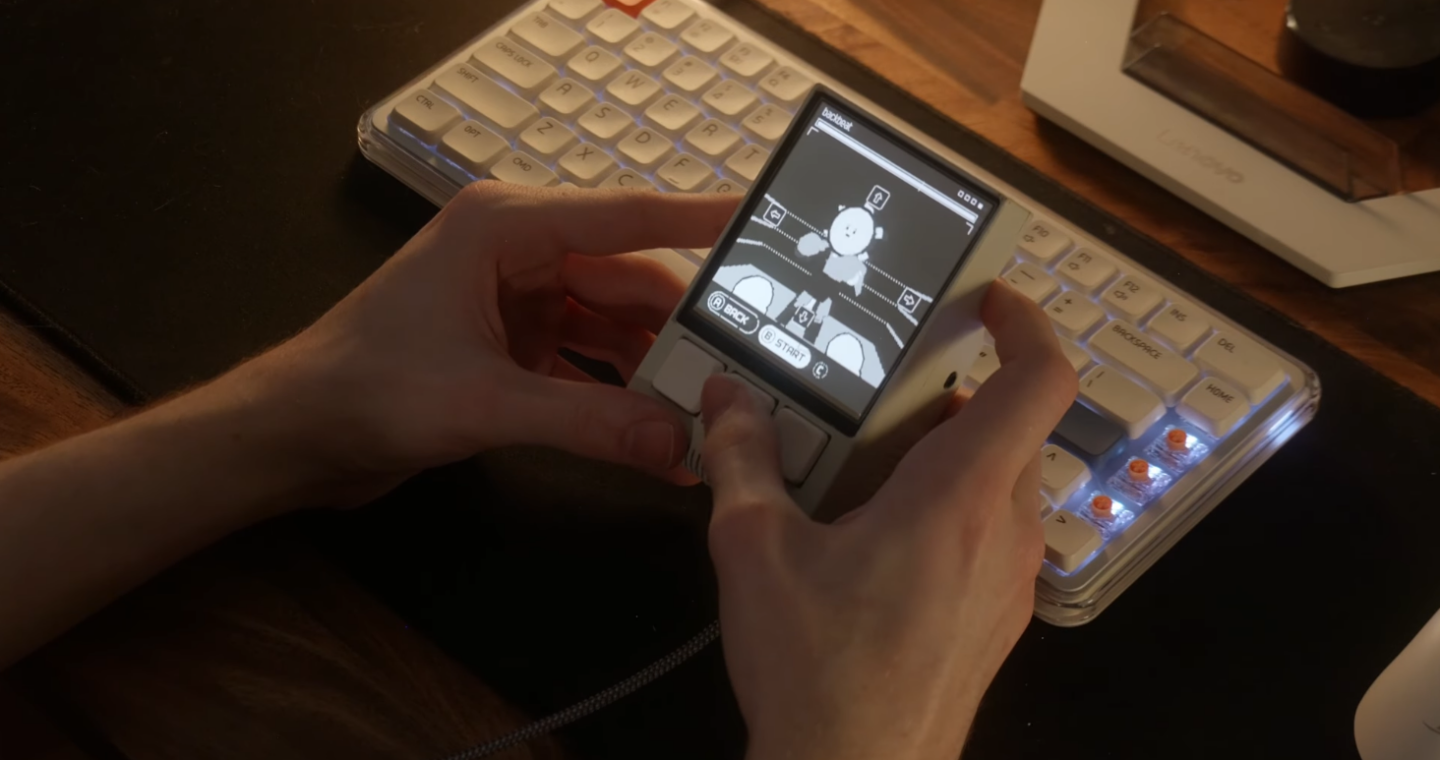
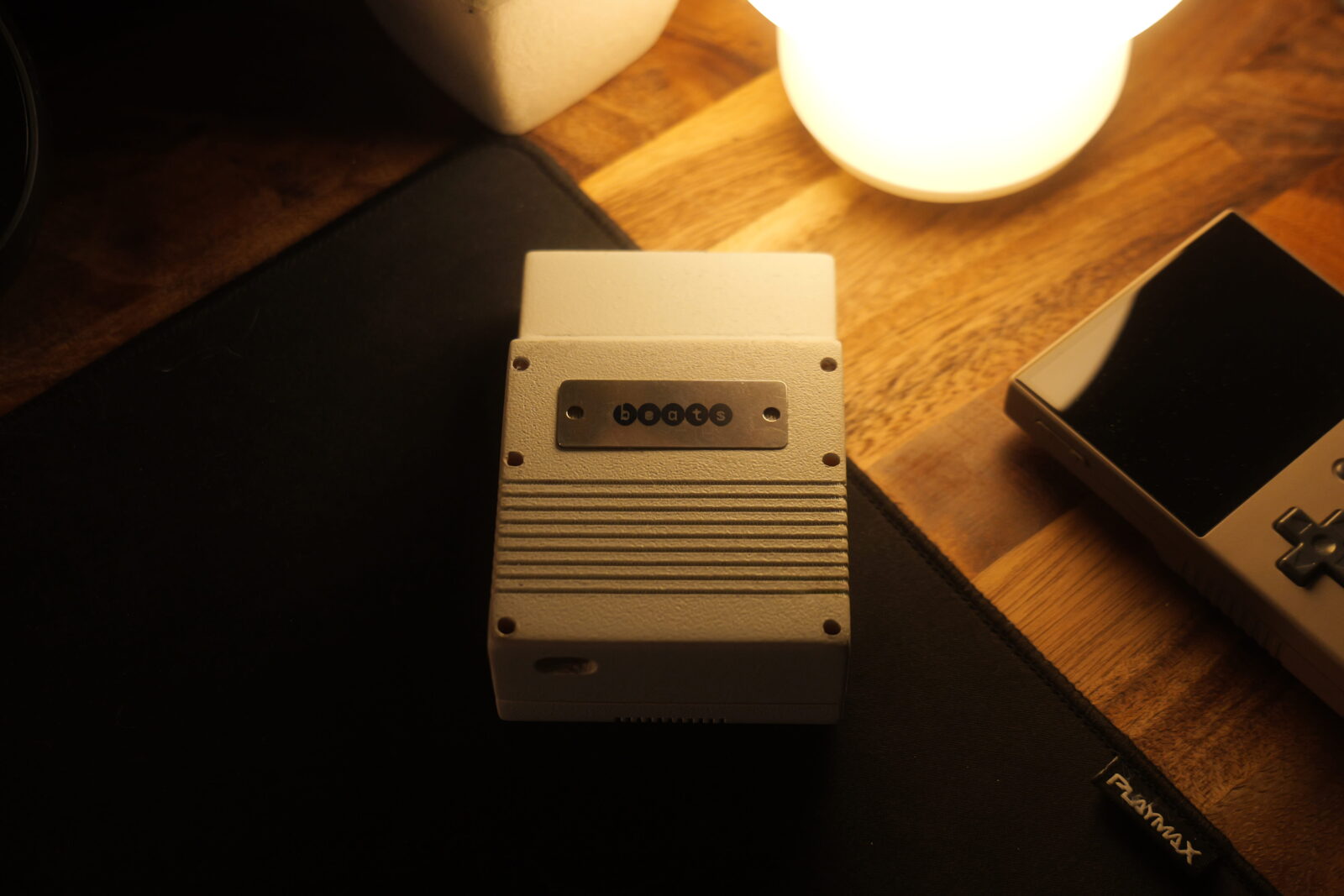
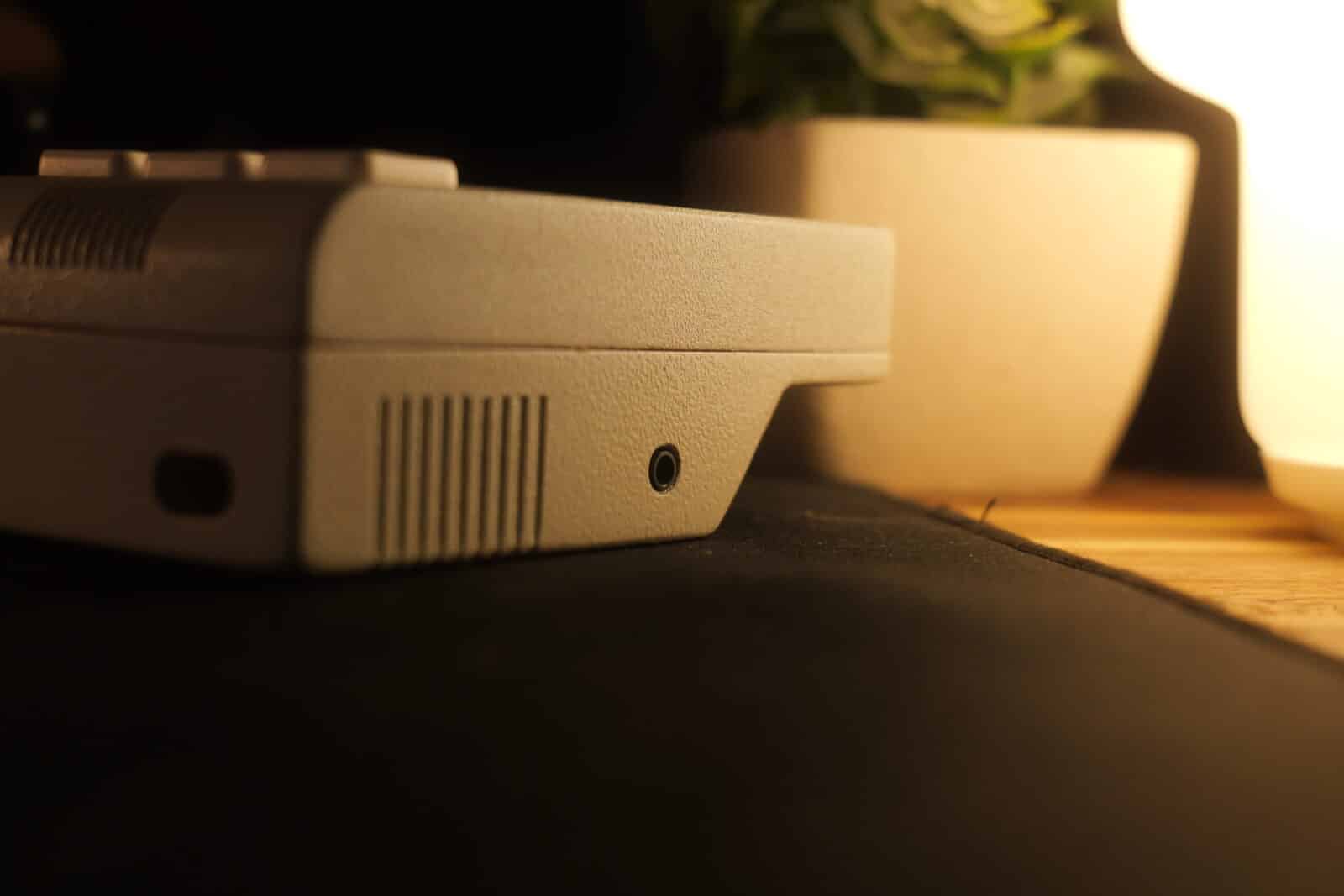
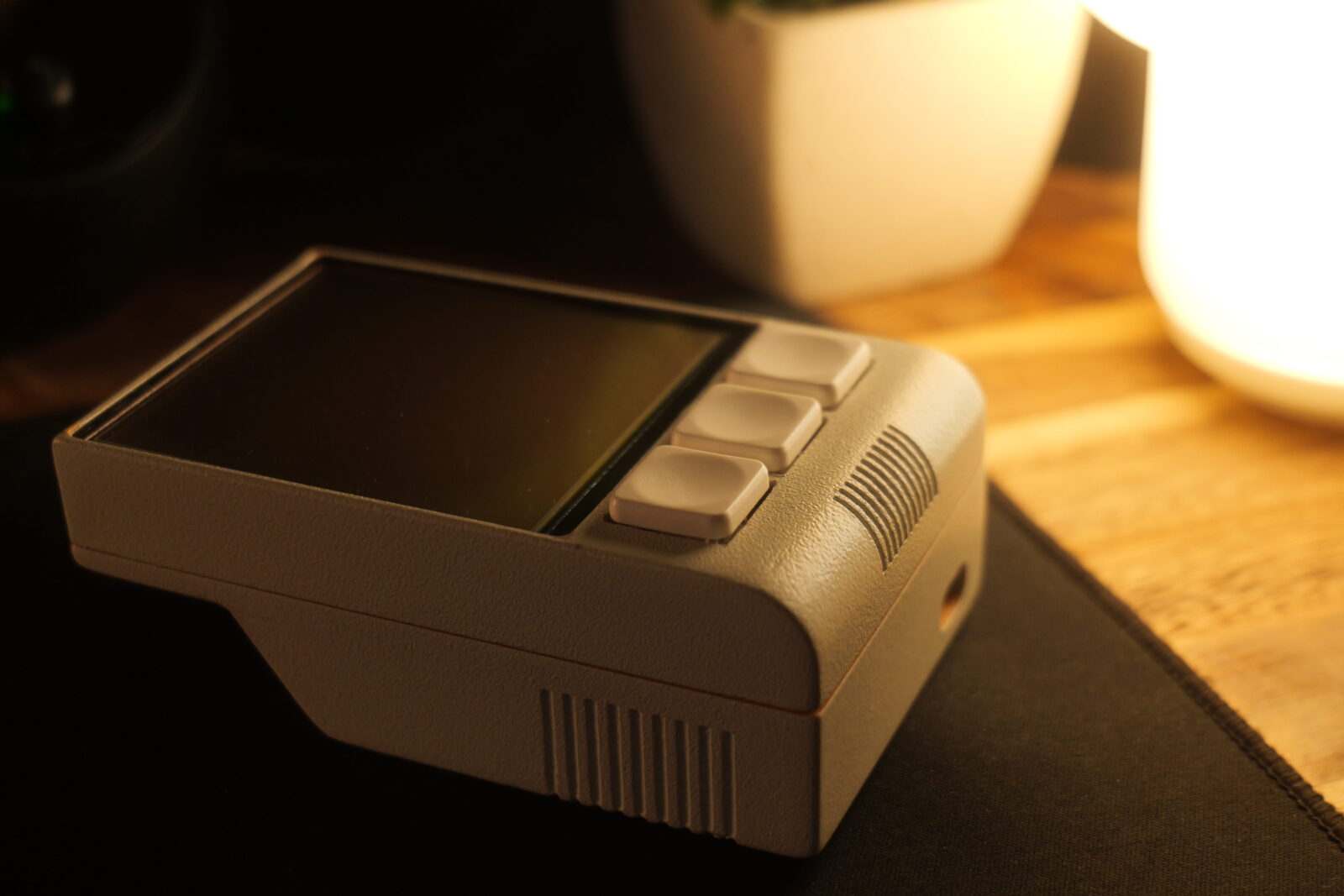
BEATS is a handheld rhythm sequencer and educational tool, bridging the gap between musical toys and professional production software. It uses 360-degree motion control as the language for drum sequencing: each shift in a cardinal direction is met with a different instrument.

THE MOTIVATION

The practical problem behind BEATS is, as described, a lack of mobility between entry-level music creation tools and desktop DAWs (digital audio workstations). However, the motivation is more significant than that. Tangibility has only become more valued as a greater number of our digital interactions are done through touchscreens, mice and keyboards. Beyond novelty, there’s a naturalistic benefit to bespoke hardware with thoughtful tactility.

How might physical gestures bridge the gap between exploratory tools with a low barrier of entry and professional digital audio workstations?

WATCH THE PROMO

A photo of the BEATS device, showing off motion controls.

HOW DO I USE IT?

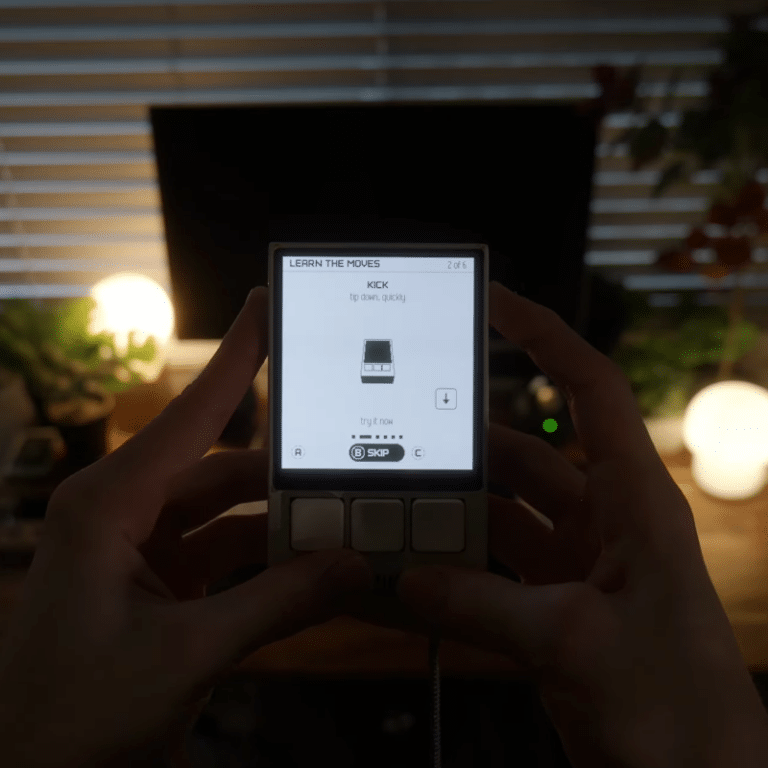
BEATS is primarily controlled through motion. A flick in each cardinal direction becomes a drum hit. The device allows individual users to calibrate the sensitivity to a comfortable level. The inbuilt 9-axis IMU (accelerometer, gyroscope, magnetometer) is fine tuned to ensure that no inputs are missed. This interaction has been extensively tested, and ensures the abstract concept of sequencing becomes
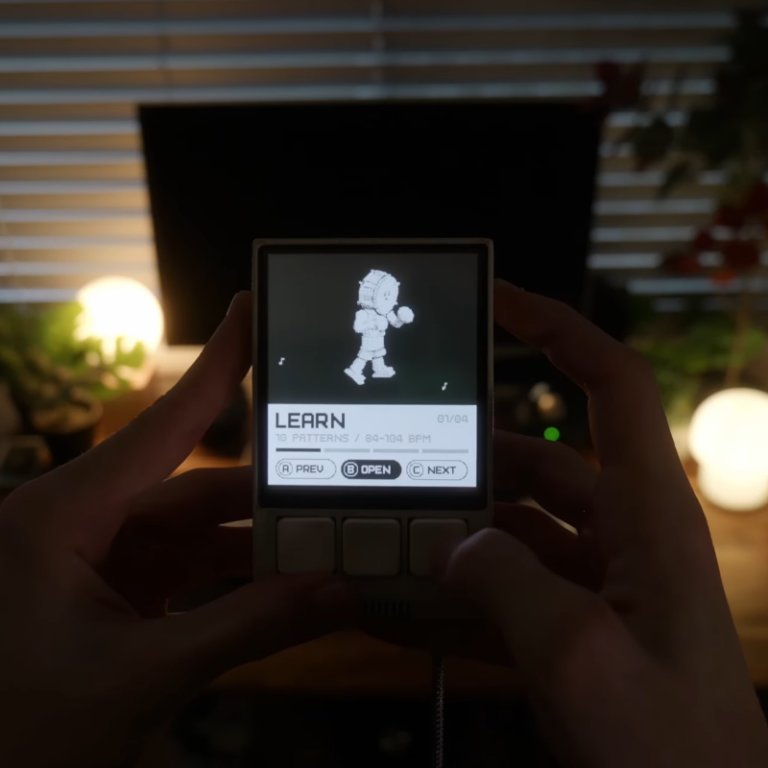
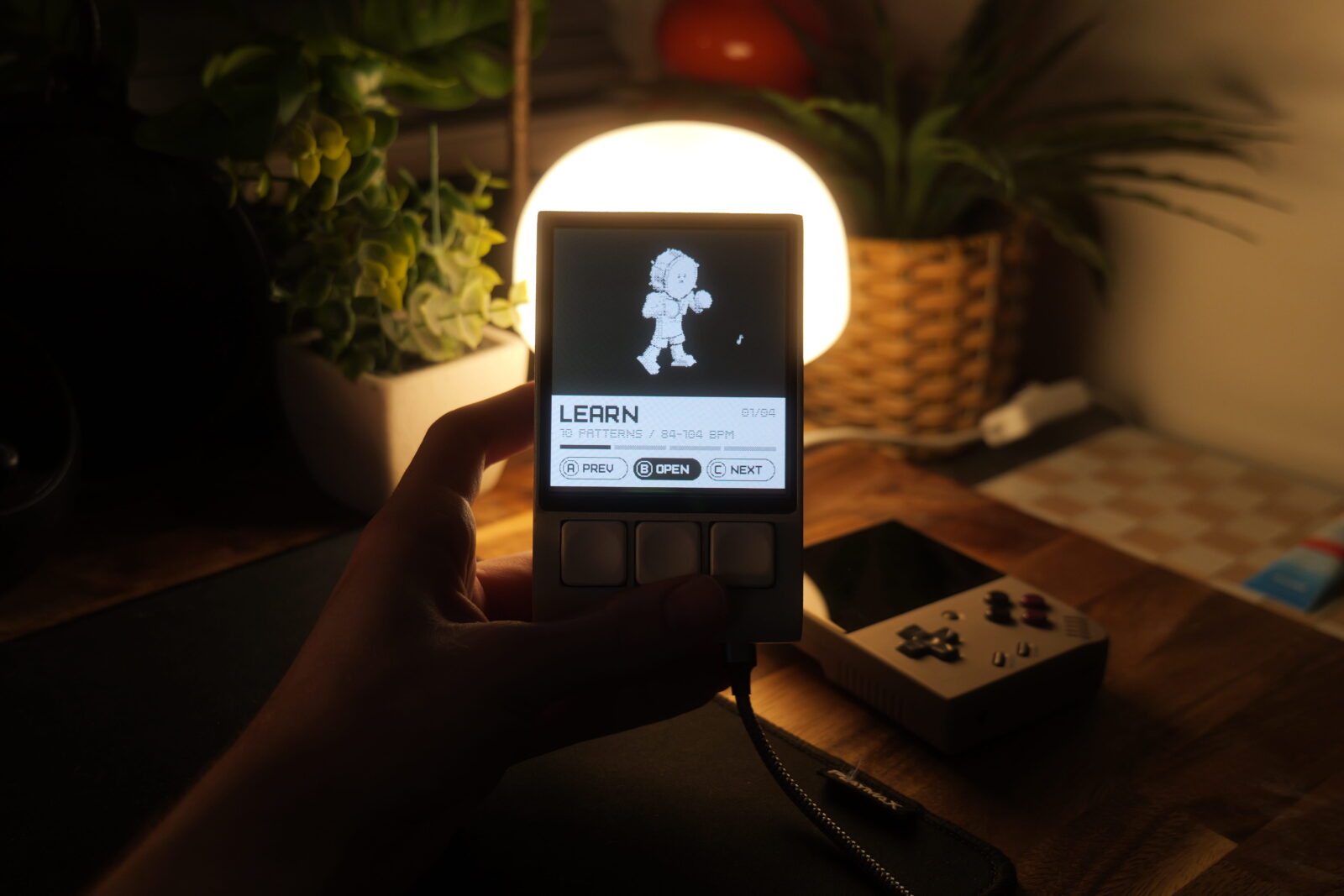
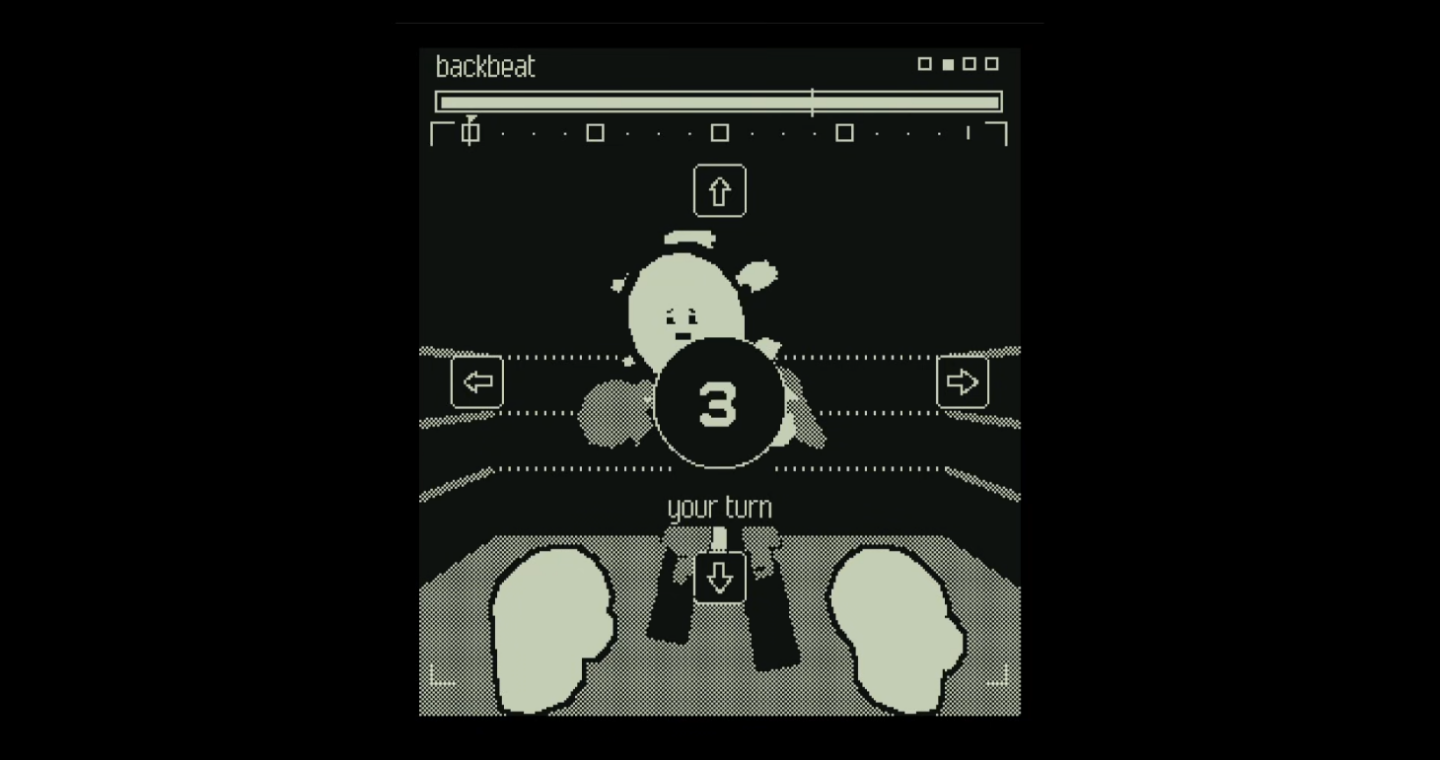
A photo of LEARN mode on the BEATS device.

LEARN MODE

LEARN mode provides 10 common drum patterns you’ve heard in plenty of your favourite songs. The goal of LEARN mode is to hone the user’s rhythm. Each pattern gets harder as they go – more complex, faster paced. Users can spend hours going for a high score, or just practice all of the patterns for use in their own compositions.
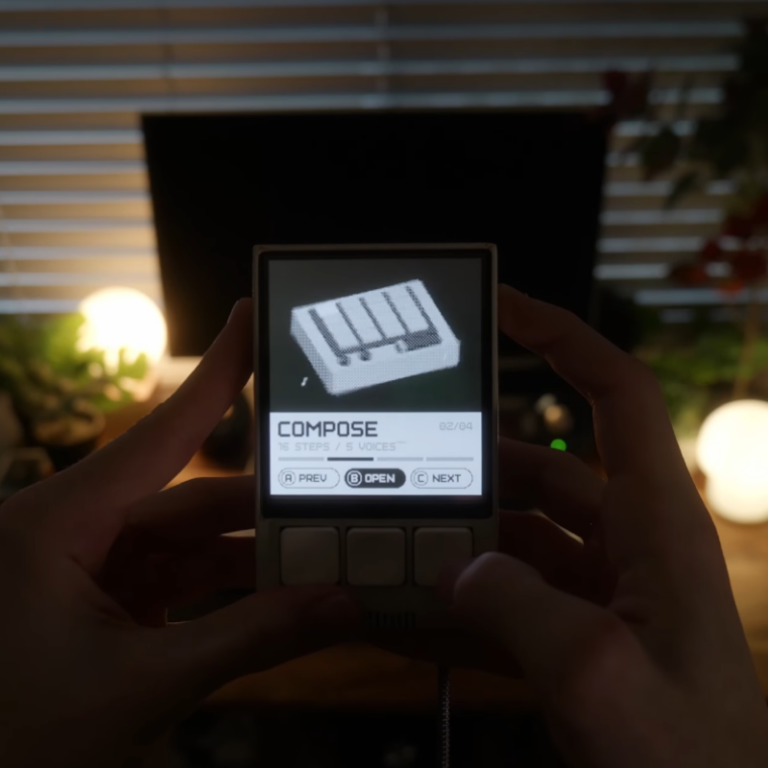
A photo of COMPOSE mode on the BEATS device.

COMPOSE MODE

COMPOSE mode turns BEATS into a portable, all-in-one drum machine and sequencer – but the input method is motion. You can compose 4-track loops on-device, recorded live. You also have a wealth of synthesised and real drum samples to choose from – including those directly sampled from the iconic Roland TR-808. You can pick your tempo, tweak velocity, and save your loops to work on later.
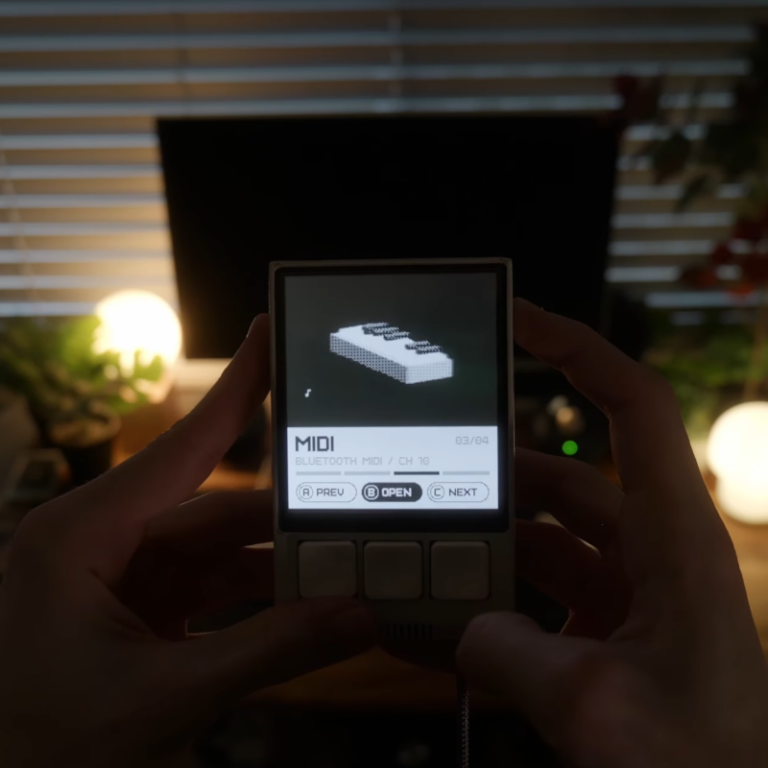
A photo of MIDI mode on the BEATS device.

MIDI MODE

MIDI mode provides an interface to wirelessly connect BEATS to any MIDI-compatible DAW – be that FL Studio, GarageBand, Ableton or otherwise. The motion then becomes a digital input to control any attribute you’d like – from triggering pads to acting like a 3-axis riser. By the time a user has mastered LEARN mode and built their own tracks in COMPOSE mode, they can use MIDI mode to keep the device a rigid part of their workflow as they move to more powerful software.

GAMEPLAY DEMO

Sean Newman Shiels

Sean is a multimedia interaction designer and software developer. His work explores tangibility and play through electronics, retaining a sense of humanity amidst increasingly abstract technological paradigms.

Vote For This Project

"*" indicates required fields

This field is for validation purposes and should be left unchanged.
This field is hidden when viewing the form
Project